
Backups are one of the most important parts of running a game server.
KiwiNode makes it easy to create backups, restore them, and even automate them so your world stays safe.
Creating a Backup
Open your KiwiNode Game Panel
Click the Backups tab in the sidebar
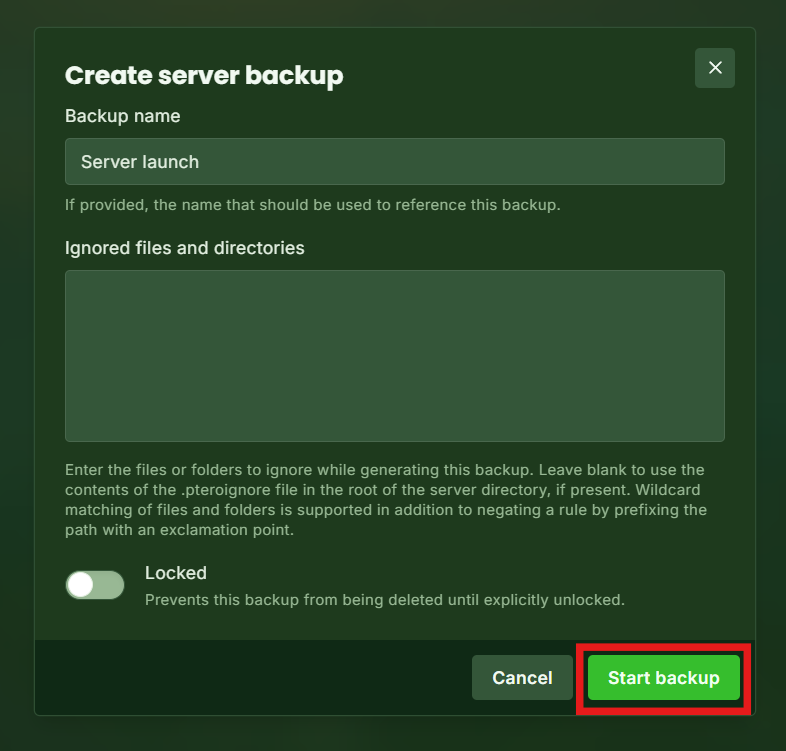
Click Create Backup
Your server will generate a full backup of your world and files.
Restoring a Backup
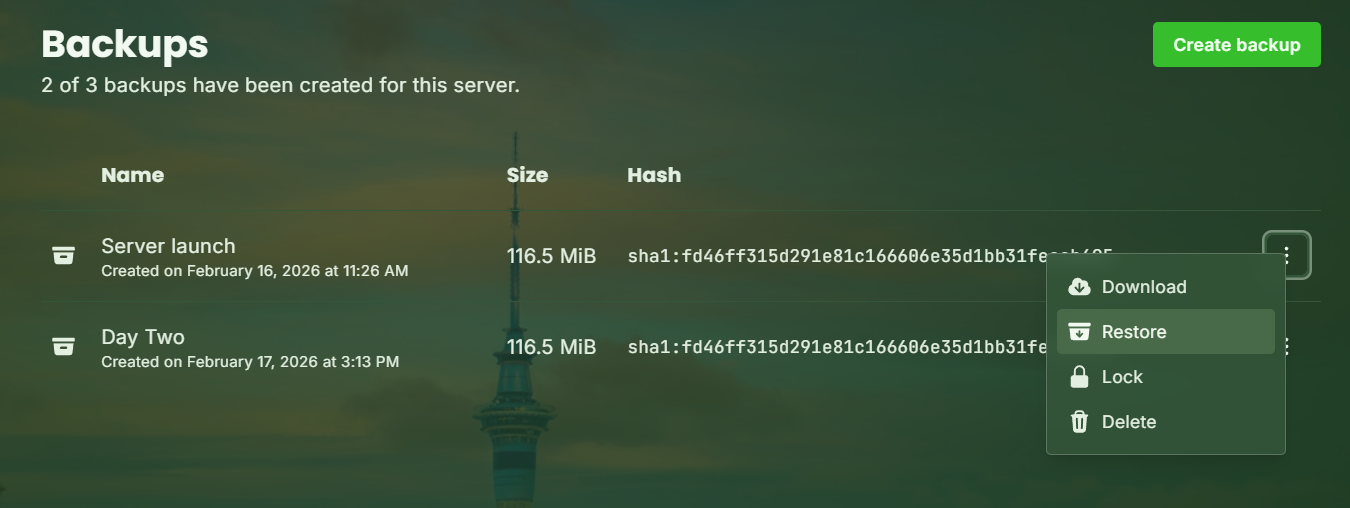
To restore:
Go to the Backups tab
Find the backup you want
Click Restore
⚠️ Restoring will overwrite current files, so only do this if you’re sure.
Scheduling Automatic Backups
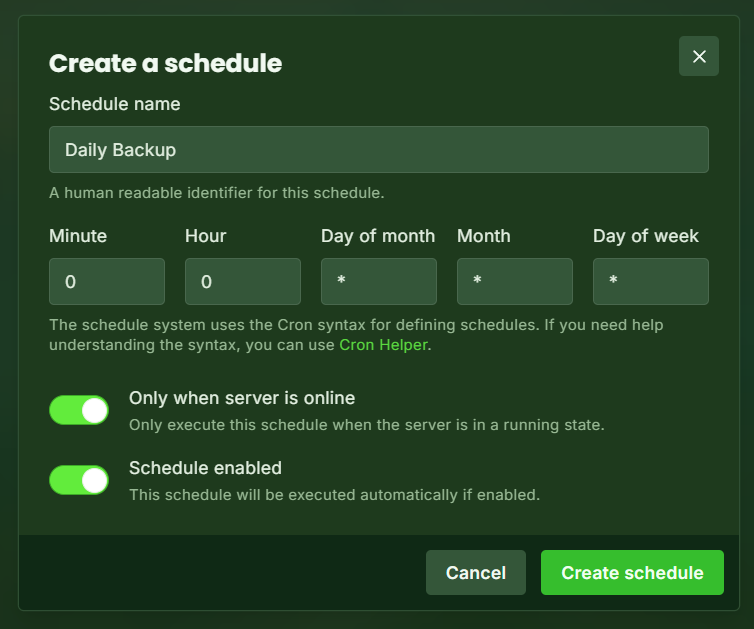
You can automate backups using the Schedules system:
Go to the Schedules tab
Create a new schedule
Add a backup task
Set how often it should run (daily, weekly, etc.)
Create a new task
Set the action to Create Backup
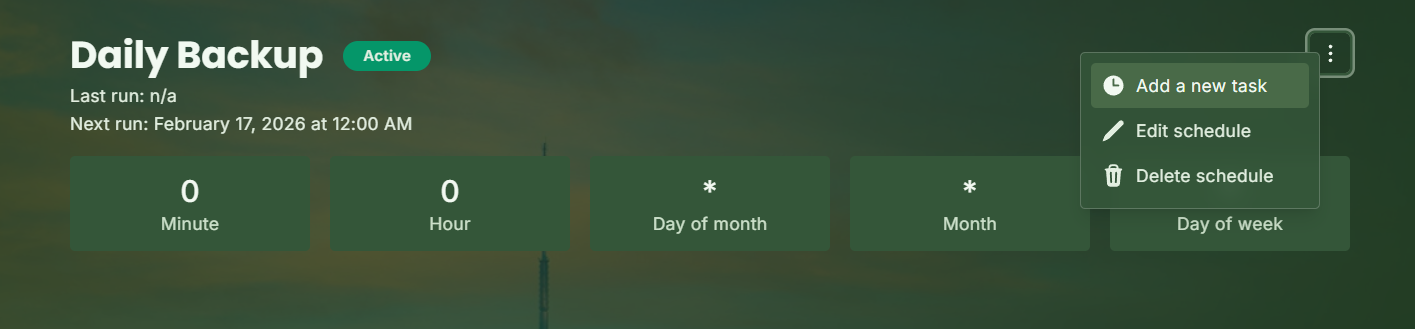
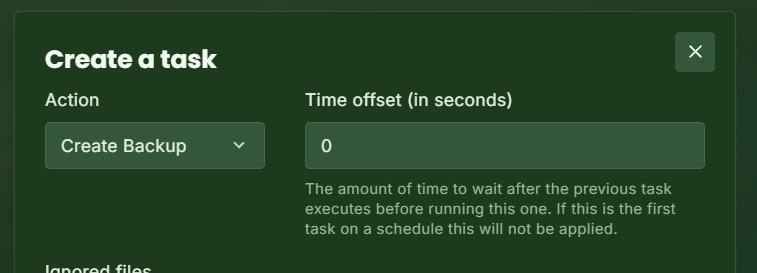
This will now create a new backup at the same time every day!
Best Practice
We strongly recommend keeping regular backups, especially before:
Installing mods/plugins
Updating server versions
Making major world changes