
KiwiNode makes it easy to switch Minecraft versions at any time.
Whether you want to run the latest release, an older PvP version, or a modded server, you can do it directly from your panel.
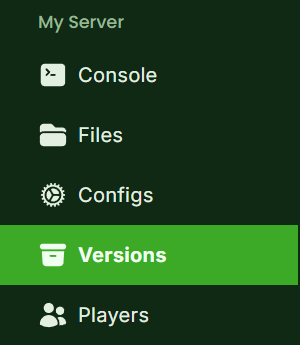
Step 1: Open the Versions Tab
Log in to your KiwiNode Game Panel
On the sidebar, click Versions
This is where you can manage your server software and Minecraft version.
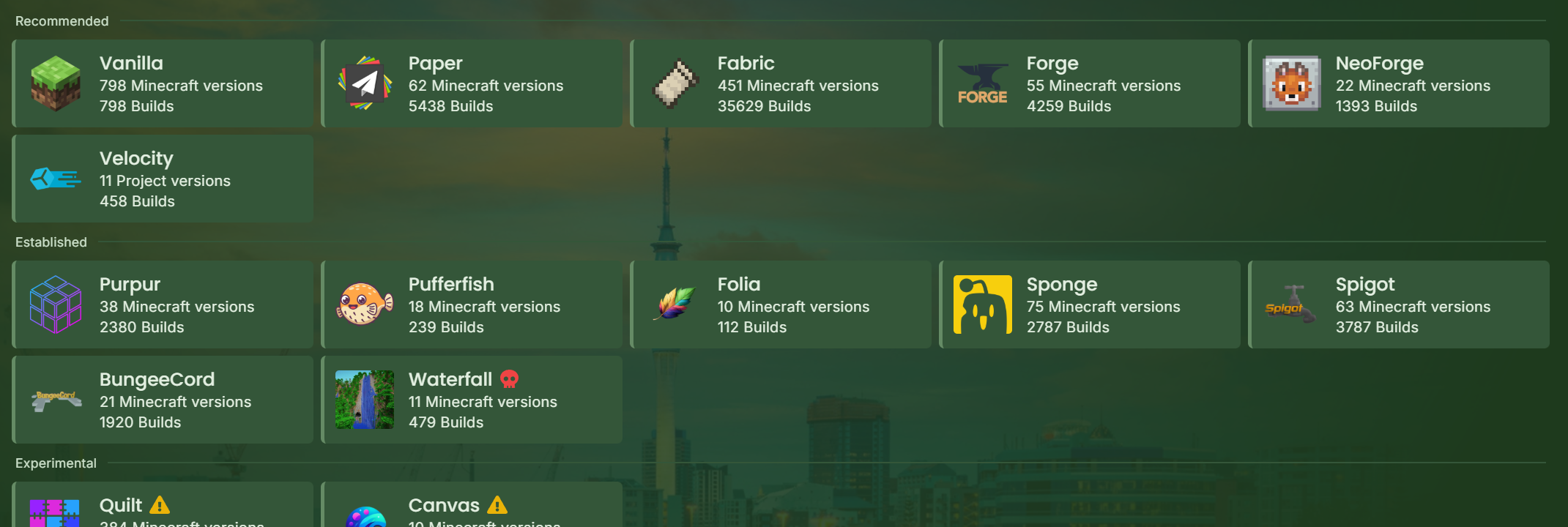
Step 2: Choose Your Server Type
From the Versions page, you can select what type of server you want to run, such as:
Vanilla
Paper (recommended for performance + plugins)
Other supported types depending on your setup
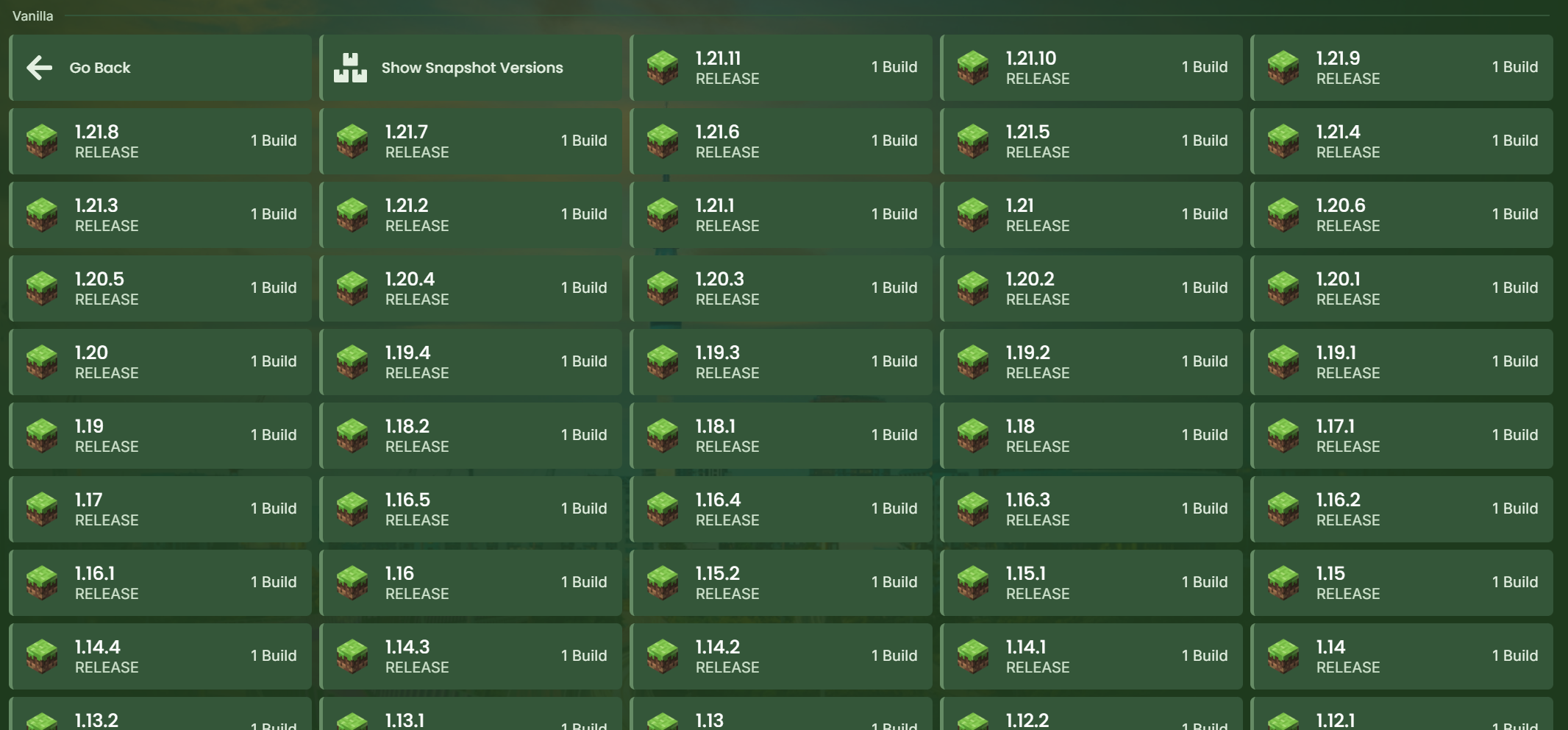
Step 3: Select Your Minecraft Version
After choosing the type, pick the exact version you want to install, for example:
1.21.1
1.16.5
1.8.9
Once selected, click Install.
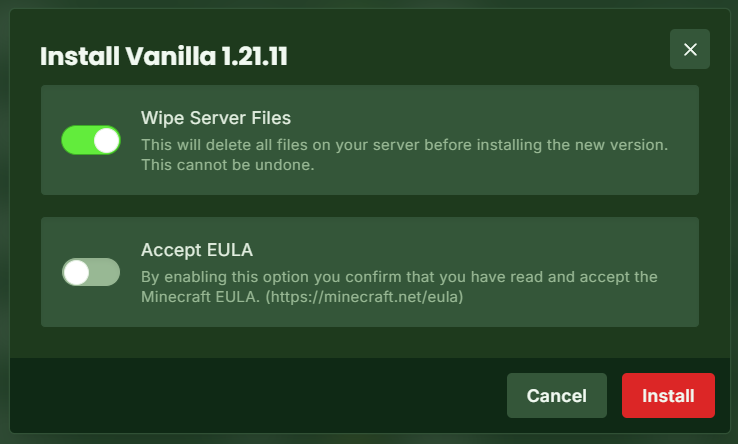
Wipe Server Files (Optional)
When installing a new version, you may be asked whether you want to:
Keep your existing server files
Wipe everything for a fresh install
⚠️ Wiping will delete your current world and configs, so make sure you have backups first.
Switching Between Server Software (Egg Types)
If you want to switch server types completely (for example, from Paper to Forge), you should update your server egg first.
Go to the Settings tab
Find the Server Egg option
Select the type you want, such as:
Vanilla
Paper
BungeeCord
Forge
Fabric
💡 This is recommended when changing between plugin-based and modded servers.

After Installing
Once the new version is installed:
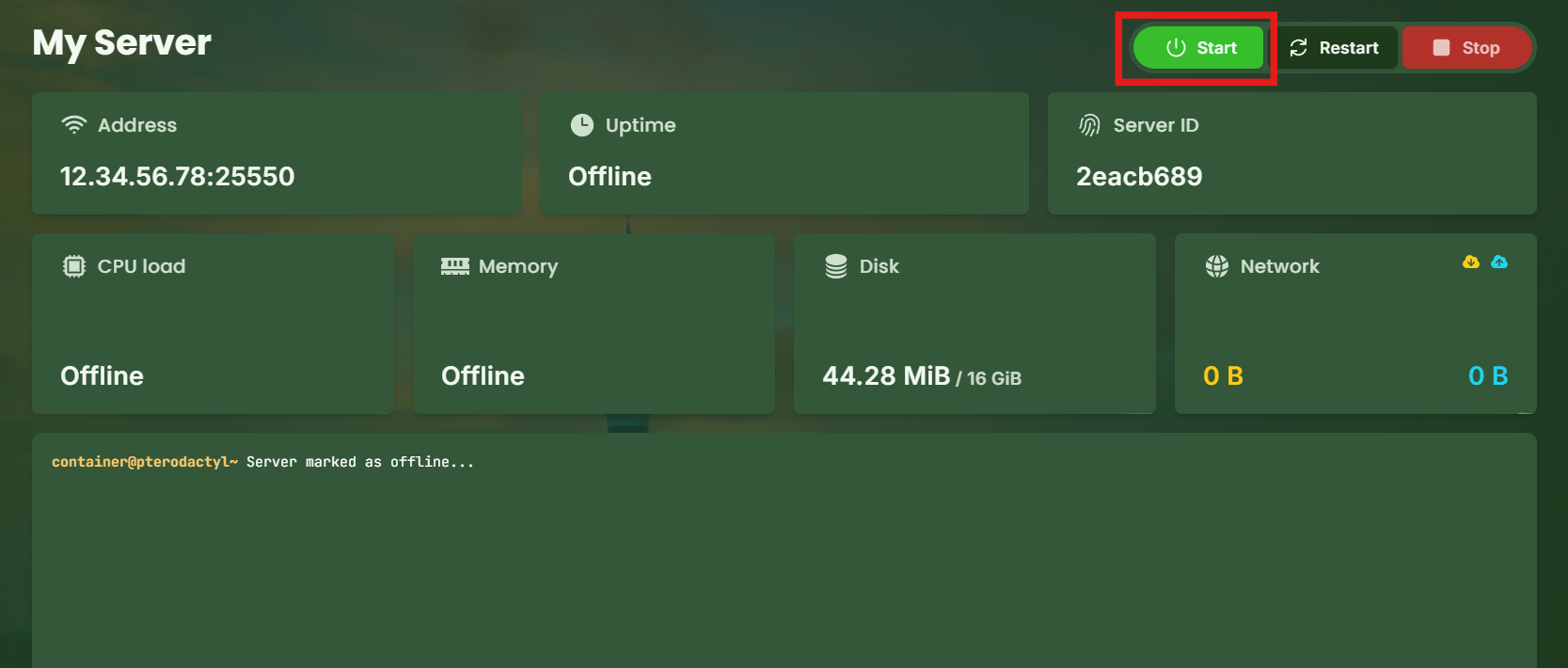
Start your server back up
Join using the matching Minecraft client version
Reinstall plugins or mods if needed
Need Help Choosing a Version?
If you’re unsure what to run:
Use Paper for most survival + plugin servers
Use Forge/Fabric for modpacks
Use Vanilla for the pure default experience
And remember — you can always upgrade or change again later.