
If you’re seeing a connection error when joining your server, don’t worry - it’s usually something simple.
Checklist
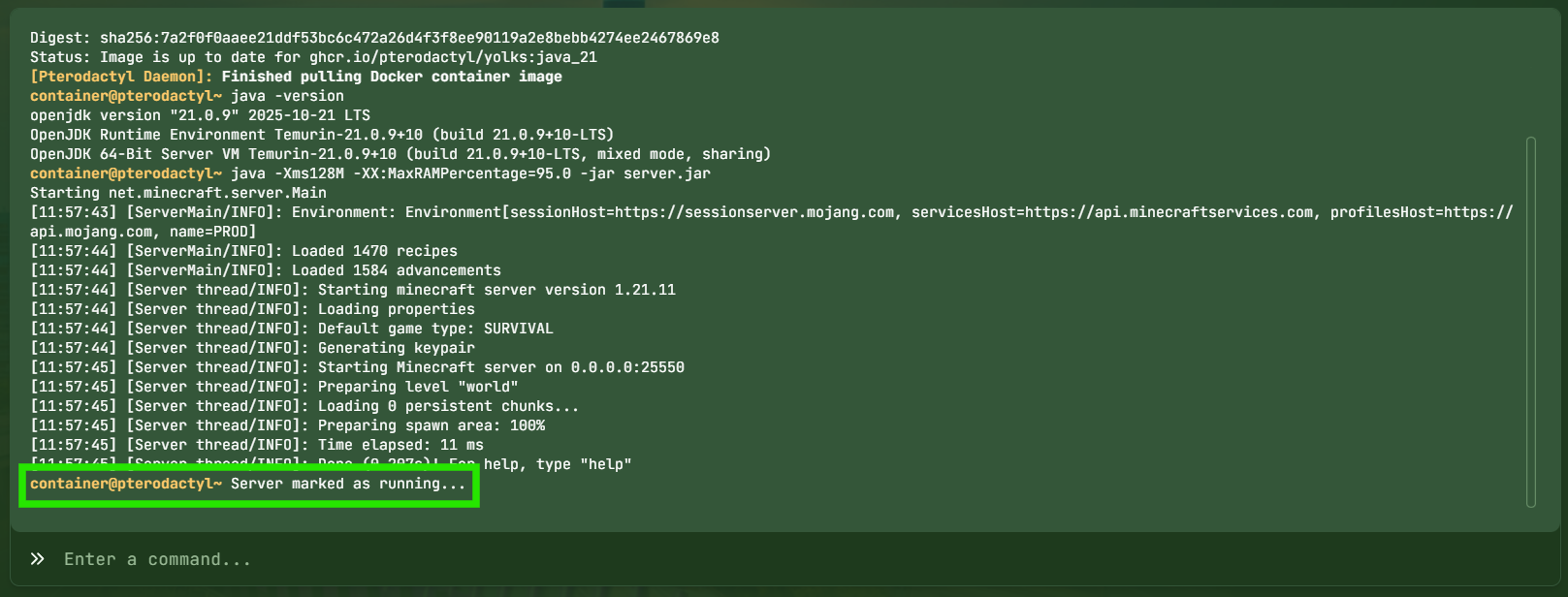
1. Is the Server Online?
Make sure your server is fully started in the panel.
2. Are You Using the Correct IP?
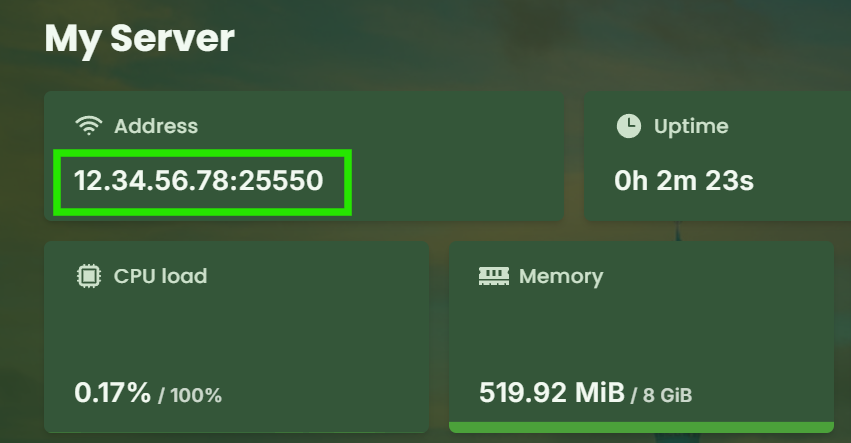
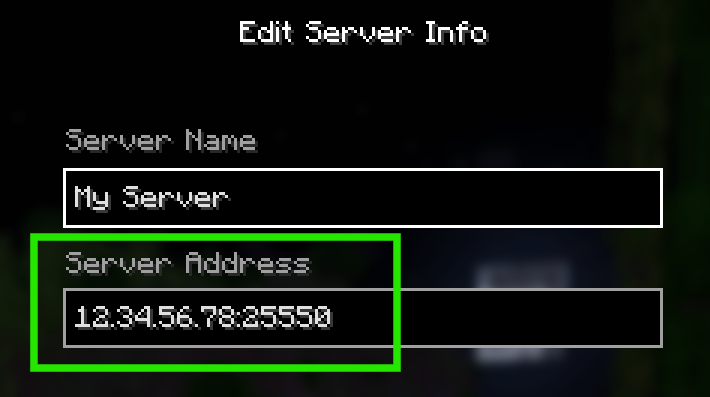
Copy the address directly from the panel to avoid mistakes.
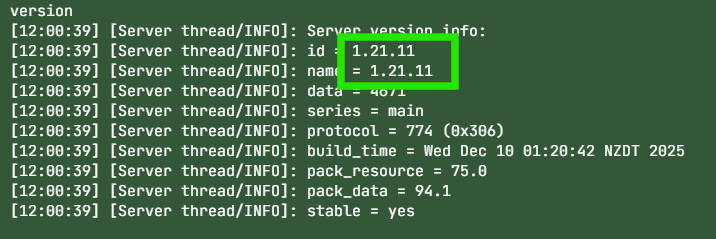
3. Are You on the Right Version?
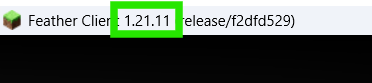
Your Minecraft/Hytale client version must match the server version.
4. Firewall or Network Issues
Some networks block game ports — try another connection if possible.
Still Stuck?
Contact support with a screenshot of the error and your console logs.