
Server crashes can happen for many reasons, especially after updates or installing addons.
Here’s what to check first.
Step 1: Check the Console Logs
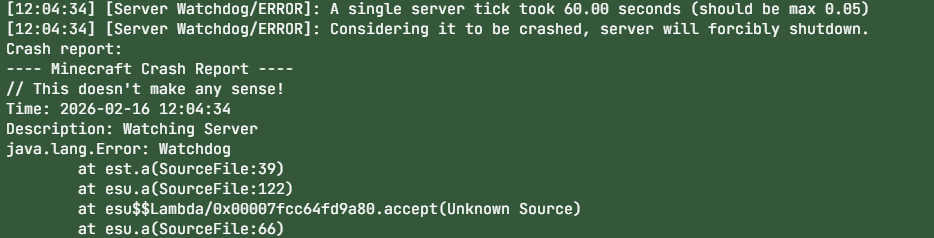
Open the Console tab and look for error messages.

Step 2: Recent Changes?
Most crashes happen after:
Installing a plugin/mod
Updating versions
Uploading a broken config
Try undoing the most recent change.
Step 3: Check RAM Usage
If your server runs out of memory, it may crash automatically.
📌 See: Recommended RAM for Modded Servers
Step 4: Restore a Backup
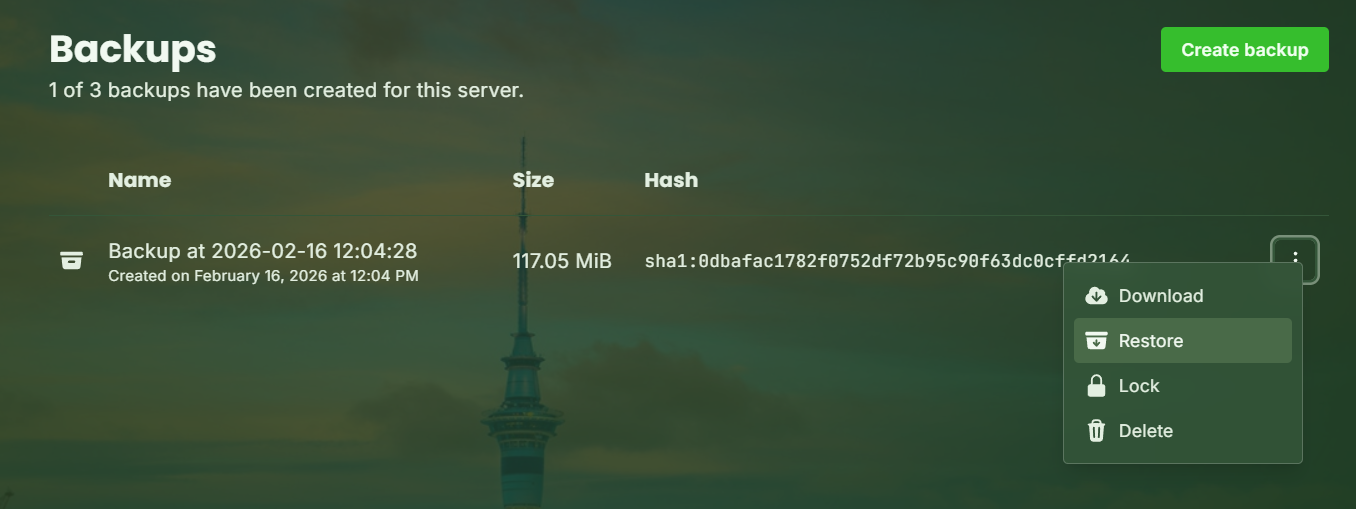
If needed, restore a backup from before the crash started.
Step 5: Contact Support
If you’re unsure, open a support ticket and send us:
Crash log
What changed recently
Your server type/version
We’ll help you fix it fast.