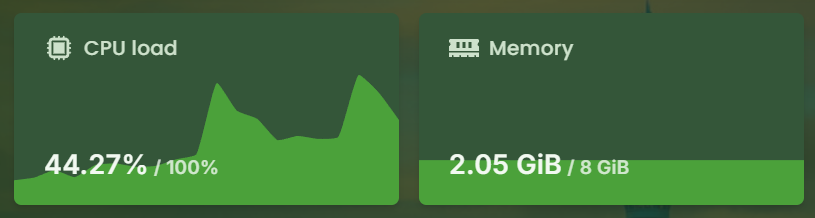
If your server is starting to feel slow, or you're expecting more players soon, upgrading your plan is a quick way to boost performance.
KiwiNode makes it easy to upgrade (or downgrade) your service at any time.
When Should You Upgrade?
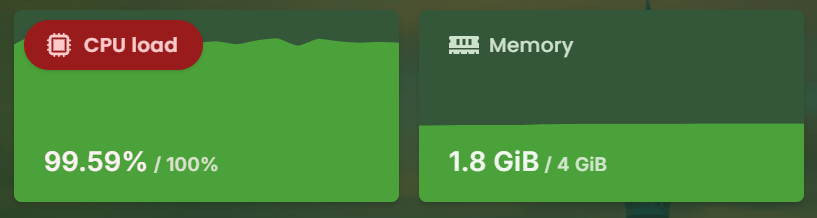
You may want to upgrade if you notice:
Server lag or slow chunk loading
More players joining than expected
Heavier plugins or modpacks
Increased CPU or memory usage
How to Upgrade Your Plan
Log in to your KiwiNode account
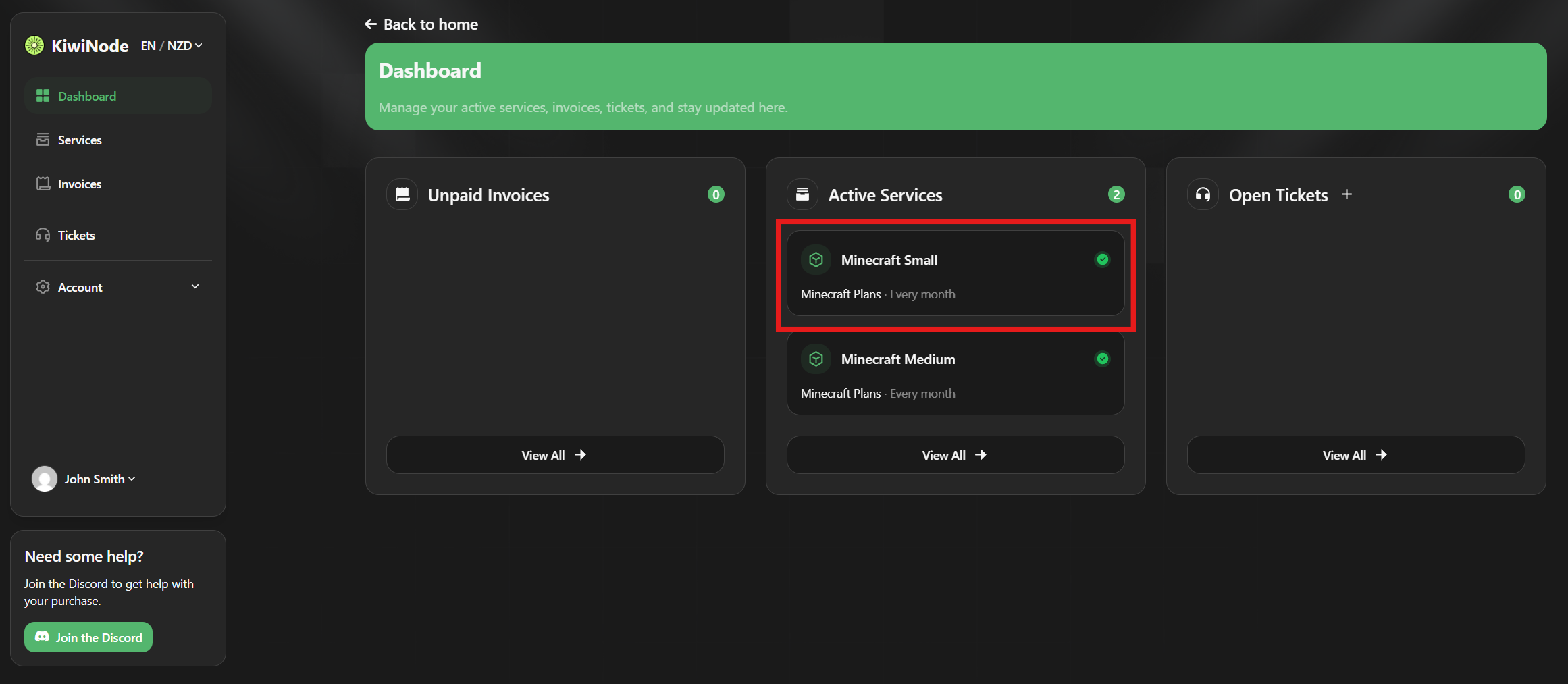
Head to your Dashboard
Click on the service you want to manage
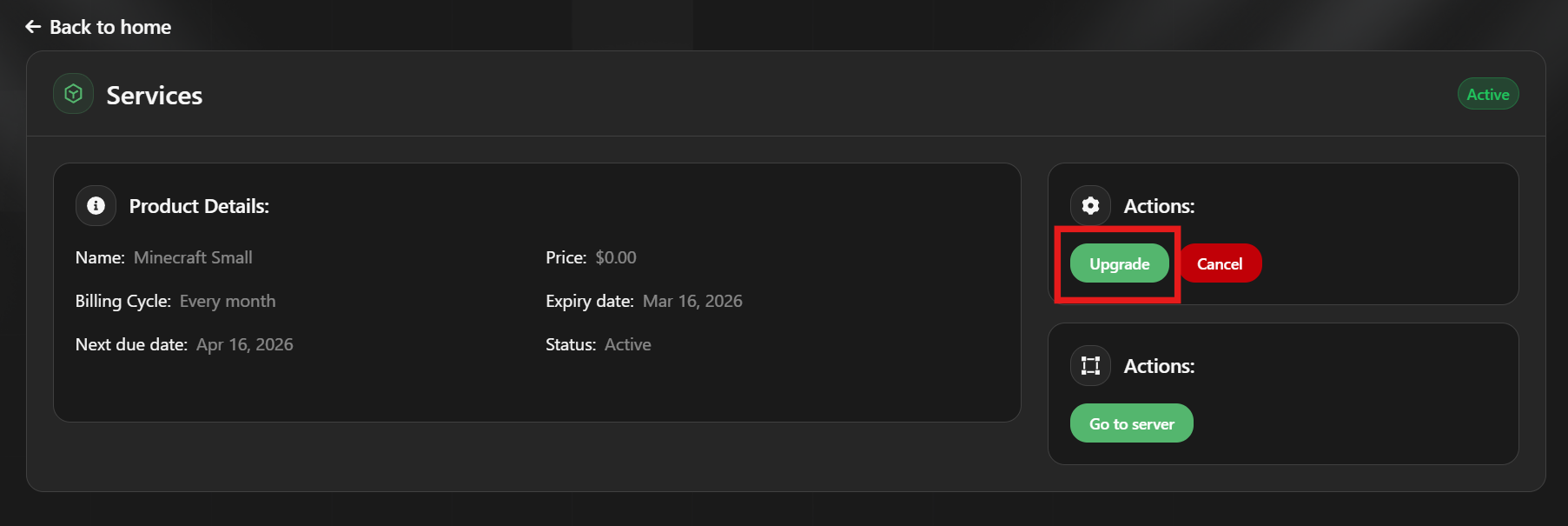
Click the Upgrade Button
Inside your service page, you’ll see an Upgrade option.
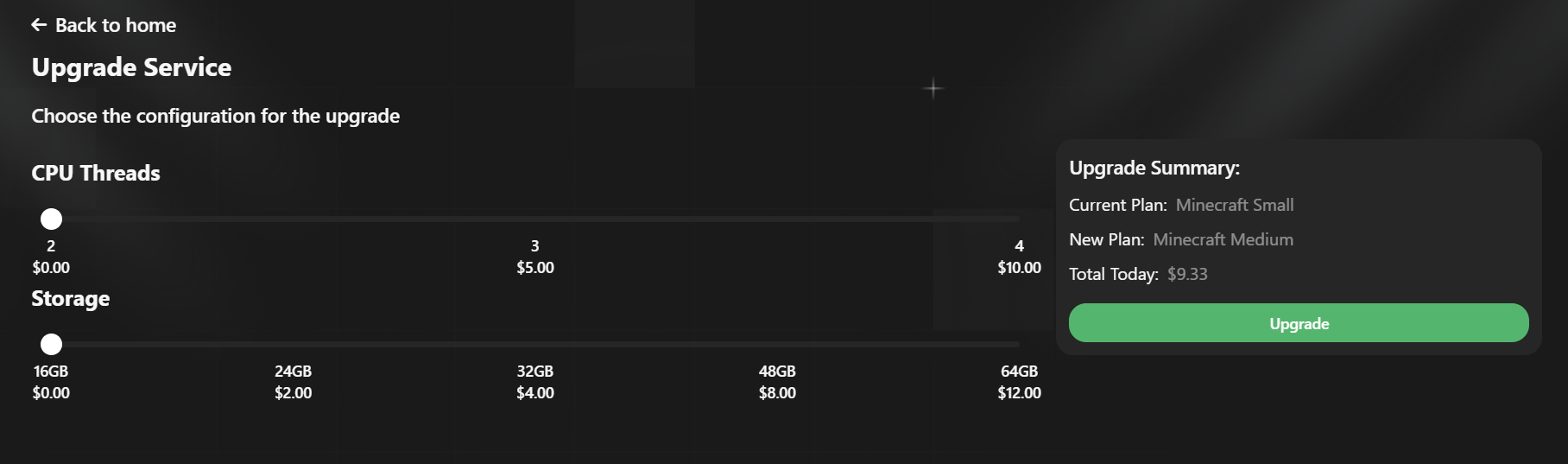
Click it to view available plans and addons.
Choose a New Plan or Addons
You can either:
Upgrade to a higher plan
Stay on the same plan but add extras like:
Additional CPU threads
More disk space
Different hardware node options
Paying the Upgrade Invoice
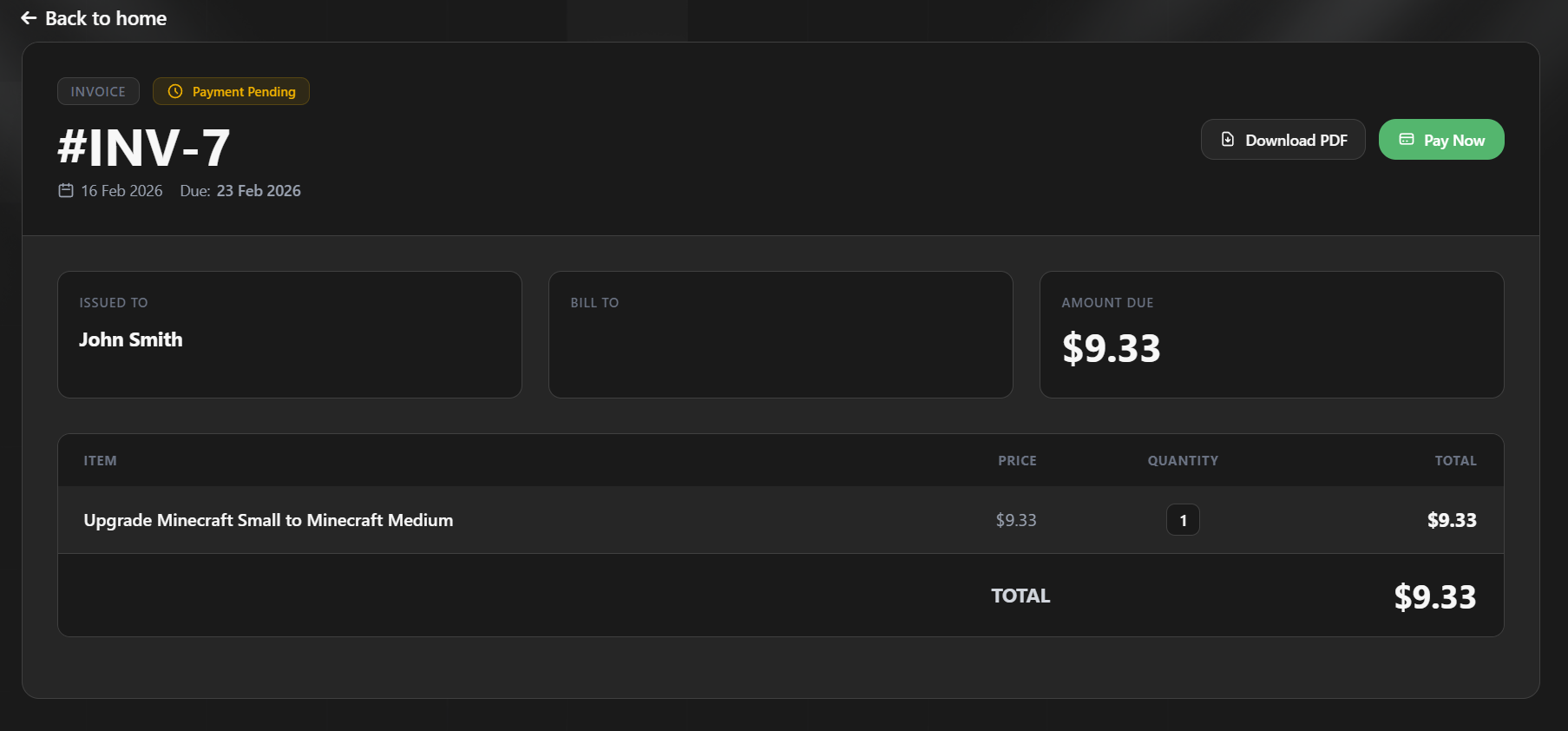
After confirming your changes, an invoice will be generated:
Upgrades may have a cost depending on the difference
Downgrades will not require paying an invoice
Once paid, your service will automatically update.
All Done!
Your new resources will be applied shortly, and your server will be ready to handle the extra load.