
Every KiwiNode server includes access to a powerful game management panel powered by Pterodactyl.
This panel gives you full control over your server directly from your browser.
Main Features
From the panel, you can:
Start, stop, and restart your server
View live console output
Upload and manage files
Change server versions
Create backups
Monitor RAM/CPU usage
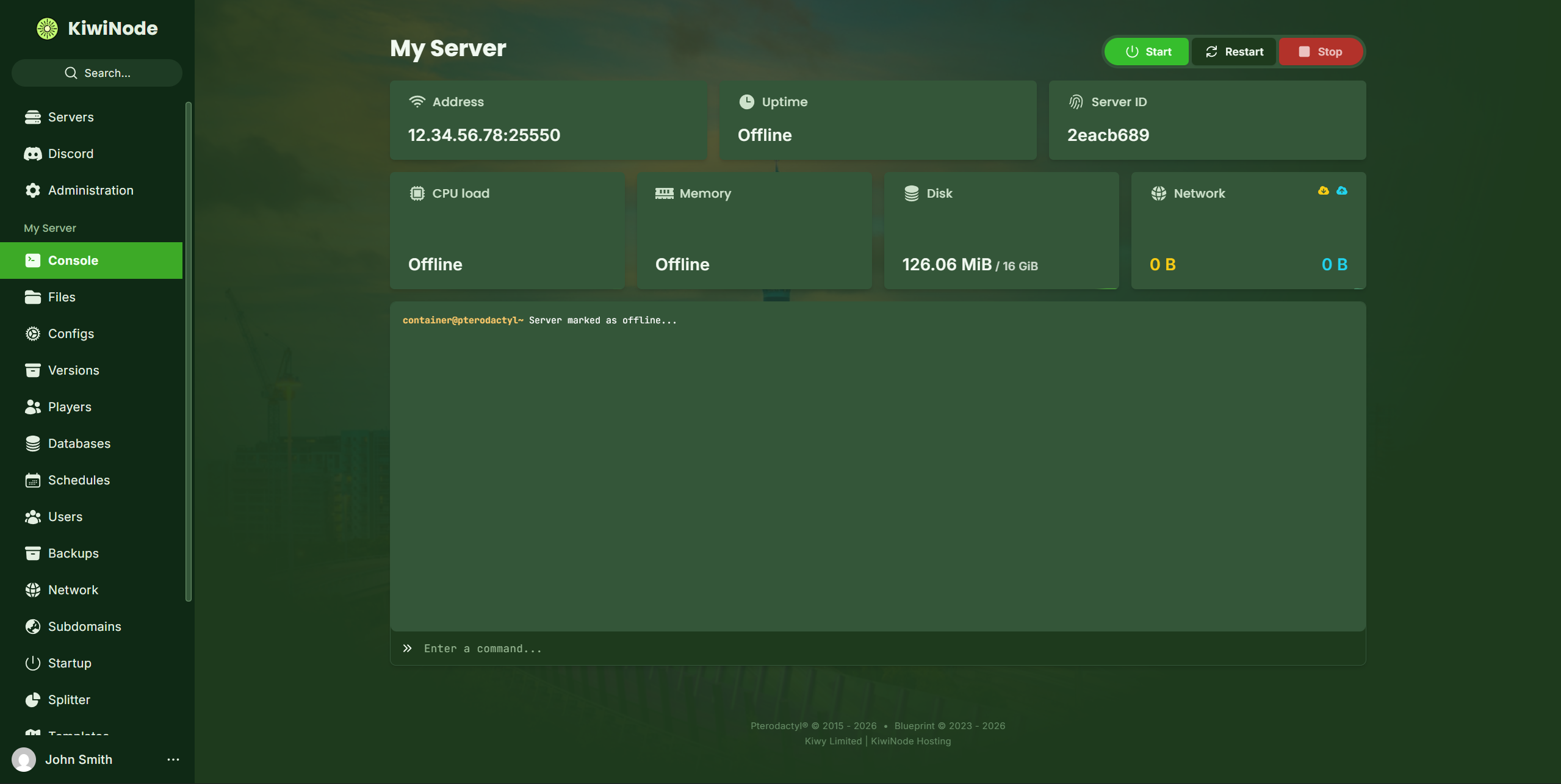
Sidebar Navigation
Important tabs include:
Console - Live server output
Files - Manage server files
Configs - Modify configuration files easily
Versions - Change Minecraft version quickly (Minecraft only)
Players - Manage the whitelist and opped and banned players (Minecraft only)
Databases - Create centralised databases for your network
Schedules - Automate tasks like restarts/backups
Users - Add sub-users to your control panel without sharing your account details
Backups - Create and restore backups
Network - Create and manage your port allocations
Subdomains - Create and manage custom subdomains
Startup - View the startup command and change the Java version and Jar file
Splitter - Split your plan into multiple smaller servers
Templates - Install pre-configured templates to make server setup easier
Importer - Migrate your server from another host
Settings - Advanced server configuration
Activity - View past panel actions
Customised for KiwiNode
KiwiNode’s panel is designed to be beginner-friendly while still offering advanced tools for experienced server owners.